The promises of modern work—global collaboration, data-driven decisions, agile responsiveness—often come wrapped in a surprising amount of tedious reality. While teams are supposed to be scaling heights of innovation, many project managers find themselves bogged down in the digital equivalent of sorting mail. The core challenge facing modern organizations isn’t a lack of tools; it’s the sheer complexity and manual overhead that have evolved around these tools.
Teams still spend a staggering 30% of their time on low-impact manual work. This isn’t just about answering emails. It’s the constant switching between apps, the painful copy-pasting of data, the hunt for scattered updates, and the manual triggering of basic next steps. This friction acts like sand in the gears of productivity, slowing down progress, introducing human error, and burning out talented professionals on tasks far below their skill level.
But a tectonic shift is underway. Artificial Intelligence, once a concept of science fiction, is now a pragmatic catalyst, and monday.com is positioned at the forefront of applying this technology to project management. The platform is not just integrating AI features; it is fundamentally reimagining the operating system of work, using AI to automate the inherent complexity that historically paralyzed teams. This article explores how monday.com’s AI transformation is moving teams away from being workflow administrators and toward being workflow strategic leaders.
The Challenge: Manual Workflows in Modern Teams
To appreciate the impact of AI, we must first confront the reality of traditional project management without it. The “workflow” often exists not in a sleek platform, but in the chaotic interactions between email, Slack, fragmented shared docs, and a “master” spreadsheet that is almost instantly out of date.
The pain points are visceral and quantifiable. A 2023 study by Asana found that workers spend 58% of their day on “work about work”—the coordination, searching for information, and meeting scheduling that facilitates the actual job. Other statistics suggest this “work about work” consumes nearly two-thirds of the typical employee’s day.
This manual overhead manifests as critical organizational bottlenecks:
- Information Silos: Critical updates are trapped in direct messages or personal inboxes. To get a status, a PM must chase people across multiple platforms. This time wasted gathering info is a major productivity drain.
- Context Switching: Teams waste significant time (estimates range from 20-40% of productive output) constantly re-orienting themselves as they bounce between disparate tools. This breaks “flow” and increases stress.
- Data Lag & Errors: When status updates require manual entry, they are inevitably delayed and prone to typos. This leads to reporting errors, where business leaders are making strategic decisions based on outdated or incorrect “data lag.”
- Reactive, Not Proactive: Without real-time, consolidated visibility, PMs spend all their time putting out fires. They react to bottlenecks that happened yesterday, rather than anticipating and preventing issues that might occur tomorrow.
In this environment, “efficiency” is often just “surviving the email avalanche.” The complexity isn’t managed; it’s simply absorbed by human effort until a breaking point is reached.
How monday.com’s AI Works: The Intelligence Engine
monday.com isn’t just bolting on a chatbot. Its AI architecture is woven deeply into its “Work OS” (Workflow Operating System) designed to directly combat this operational complexity.
At its core, monday.com leverages diverse AI capabilities that can comprehend, predict, and act. This goes far beyond basic automation (“if A, then B”). monday.com AI can ingest massive amounts of unstructured data (comments, emails, files) and give it structure and meaning.+1
Core AI Capabilities Include:
- Smart Summarization: Instantly creating concise summaries of long comment threads, meeting notes, or project briefs.
- Sentiment Analysis: Discerning the overall “mood” of project updates (positive, negative, concerned), which can act as an early warning sign for troubled workstreams.
- Intelligent Categorization: Automatically reading a task description and tagging it with the correct category (e.g., “Critical bug,” “Feature request”), urgency level, or assignee.
- Text & Code Generation: Directly within the platform, teams can generate update emails, draft action items from a summary, or even generate formulas and code snippets to extend functionality.
The technical foundation for this powerful capability is a robust partnership with Microsoft Azure OpenAI Service. This gives monday.com access to the most advanced large language models (LLMs)—the models behind systems like ChatGPT—while crucially maintaining the foundational principles of enterprise-grade security, data privacy, and responsible AI practices.
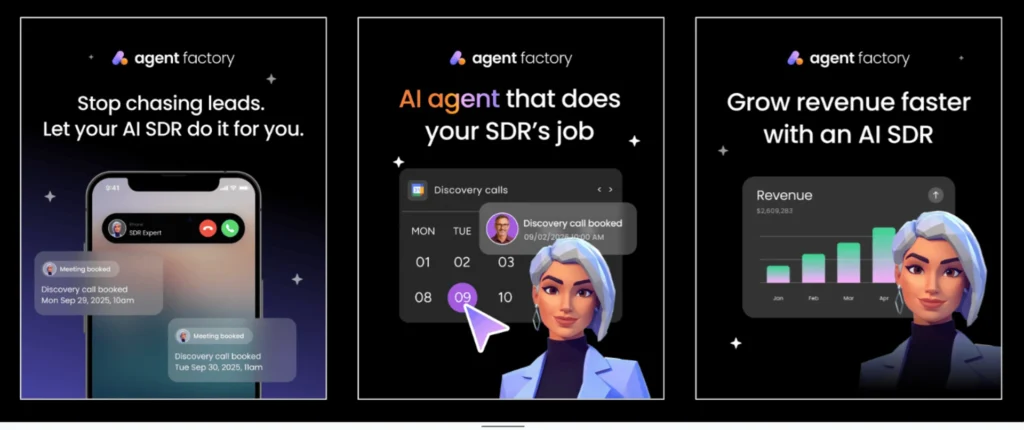
Perhaps the most significant innovation is the Agent Factory. Rather than prescribing a one-size-fits-all AI, monday.com allows enterprise accounts to build and deploy their own custom AI agents. These agents can be trained on a company’s specific data, terminology, and internal workflows. A financial firm could build a “Risk Agent” to flag compliance issues, while an engineering firm could deploy a “Bug Triage Agent.”+1
This capability transforms the platform from a “workspace” into an “active collaborator,” allowing teams to automate the high-complexity, context-dependent decisions that previous generations of software couldn’t handle.
Real-World Impact: How Enterprise Teams are Benefiting
The theory of AI in project management is compelling, but the true proof lies in the tangible results achieved by early adopters. Organizations are leveraging monday.com’s AI to shift from reactive chaos to proactive strategic management.
Case Study: Leading Beverage Company (Similar to Pepsi)
For large, globally distributed product teams, communication is often the primary bottleneck. A team leader at a major global beverage company reported a massive shift after implementing monday.com AI. They faced an endless stream of comments and updates on product launches, which required hours each week just to “read through and find the actions.”
With monday.com’s Smart Summarization, they can now instantly summarize a hundred comments into a five-point action list. This has directly driven a 30% reduction in low-impact manual work related to information gathering. Instead of spending hours sorting updates, they spend minutes acting on them, accelerating their overall time-to-market.
Case Study: Digital Identity Firm (Enterprise Example)
A fast-growing firm focused on digital authentication was using a patchwork of tools for their product development lifecycle, from ideation to release management. This created data silos and made it nearly impossible to have a single, unified view of project health.
They utilized monday.com’s Intelligent Categorization to read long, technical feature requests and automatically route them to the correct engineering squad (e.g., “Mobile,” “Security,” “API”). This eliminated a full step in their workflow—manual triage—and significantly reduced the time a ticket sat idle. “The platform’s AI makes sense of the chaos,” noted their Head of Product Operations. “It’s allowed us to reclaim valuable engineering hours and ensure that our most technical talent is focused on building, not organizing.”
These and other examples highlight a critical metric: Time Savings. By delegating information sorting, summarizing, and routing to AI, project managers reclaim hours that can be reallocated to strategic planning, stakeholder management, and team-building—tasks that AI cannot replace.
Key Takeaway #1: The greatest benefit of monday.com AI is not its output, but what it restores: the time for human creativity, empathy, and strategic judgment.
Sidebar: 5 Ways monday.com AI Can Reduce Your Workload
- Auto-Draft Updates: Instantly generate status reports or project summaries to share with leadership.
- One-Click Meeting Actions: Summarize meeting notes and automatically create the resulting tasks/action items in your board.
- Sentiment & Health Checks: Use mood indicators and sentiment analysis of comments as a “weather forecast” for project risks.
- Smarter Workflows, Fast: Describe the custom workflow you want (“When a bug is marked ‘High,’ alert the Lead QA”) in plain English and let AI build the automation.
- Data Import in Seconds: Upload a dense PDF or document and let the AI extract relevant data points directly into your monday.com board.
Key AI Features Transforming Workflows
Let’s drill down into the specific tools that drive these efficiency gains.
1. Monday Magic: Automated Summaries and Insights This feature addresses the classic “I’ve been away for an hour, and I have 40 new comments” problem. The AI can instantly provide a concise summary of the entire conversation thread, highlighting key decisions, open questions, and necessary next steps. It doesn’t just shorten the text; it understands the context and intent, isolating the signal from the noise. This is vital for maintaining a consistent understanding of project status across large teams.+1
2. Sentiment Analysis: The Team’s Emotional Early Warning System A project may appear green on the dashboard, but the comments can tell a different story. “Is this done yet? #frustrated” is very different from “Just confirming this is on track.” The monday.com AI can analyze the tone of the updates. An increase in negative sentiment can automatically trigger an alert for a PM, prompting a proactive check-in before a team member burns out or a workstream officially falls behind schedule.
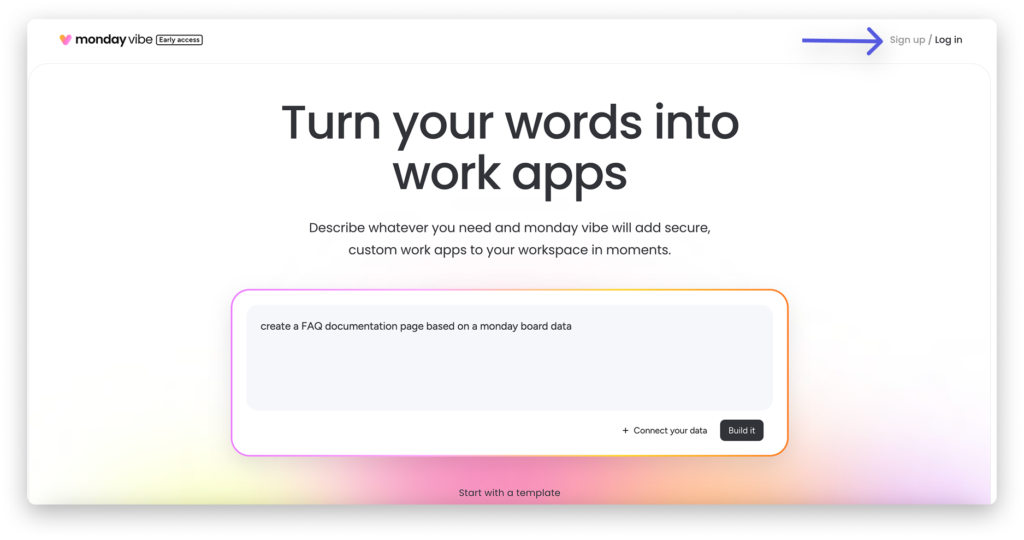
3. Natural Language Automation: Describing Workflows Historically, building a complex automation required a logic-driven “if-this-then-that” builder, which could be intimidating for non-technical users. With monday.com, a user can simply type what they want to happen in plain English: “When a task in the ‘Design’ group changes status to ‘In Review’, move it to the ‘Testing’ group, assign it to Jane Doe, and send a Slack notification to the ‘ux-team’ channel.” The platform’s AI interprets this natural language request and constructs the automation for you. This democratizes the power of automation, empowering any team lead, not just the technical wizard, to streamline their own processes.
4. Intelligent Categorization: Automated Organization The platform can be set up to read incoming data—whether it’s a form submission, an integrated email, or a task description—and intelligently categorize it. If you have a task board for incoming product feedback, the AI can read “The login page keeps timing out on my mobile browser” and automatically tag it as a “Mobile” “Bug” with “High” priority. This ensures data is instantly actionable and structured for reporting, without requiring a human gateway.
5. PDF & Document Data Extraction This feature directly bridges the gap between old and new ways of working. A large construction firm may receive hundreds of paper or PDF invoices, work orders, or site reports. The monday.com AI can “read” these unstructured documents, extract specific data points (e.g., invoice number, total cost, client name, delivery date), and automatically populate the corresponding columns in a monday.com board. This alone can save dozens of administrative hours and dramatically reduce data entry errors.
Key Takeaway #2: By converting unstructured input (comments, emails, PDFs) into structured data and actions, monday.com AI directly resolves the root cause of project workflow friction.
The Future of AI-Driven Project Management
Where is this technology headed? The transformation we’re witnessing is just the foundation. Today, AI is an Operational Copilot. Tomorrow, it will evolve into a Strategic Advisor.
We can anticipate AI that not only tracks past progress but actively and accurately projects future outcomes. Based on historical velocity, team sentiment, and external data, an AI agent will soon be able to say: “Project Alpha has a 75% chance of missing its deadline unless resources are reallocated, based on a combination of lower-than-usual team sentiment and the current bug-count trend.” This is not just automation; it is predictive intelligence.
The potential challenges are primarily around implementation and change management. Teams need to move beyond viewing AI as a “gimmick” and integrate it into their core culture. This requires:
- Strategic Planning: Organizations must define which specific workflows are the biggest bottlenecks and target those with AI. A scattershot approach of enabling every AI feature won’t yield the best results.
- Training and Literacy: PMs must be trained on how to prompt the AI effectively (e.g., getting a precise summary), interpret its insights (e.g., sentiment analysis), and critically evaluate its suggestions.
- Trust & Data Governance: Leadership must establish clear guidelines for data usage, ensuring data privacy and that proprietary information is not inadvertently leaked.
Key Takeaway #3: The future of project management isn’t about AI replacing the project manager. It’s about AI replacing the tedium of project management, empowering a more efficient, strategic, and human-centric leader.
Conclusion
The “chaos of coordination” is not inevitable. The 30% of time wasted on manual, low-impact work is a relic of an era when our tools were digital filing cabinets, not intelligent partners. monday.com’s integration of AI is not merely a feature release; it is the implementation of a new operational model.
By using AI to automate the complexity of summarization, categorization, sentiment analysis, and data entry, monday.com is shifting the very nature of project management. The role of the PM will move away from being a traffic cop, status collector, and data-entry clerk. They will instead become true architects of productivity, strategic planners who rely on accurate, real-time insights to drive their business forward.+1
The technology is ready, secure, and yielding real-world returns. The true transformation has just begun.
Getting Started: Your Path to AI-Powered Efficiency
Are you ready to stop chasing updates and start leading your team strategically? Here’s how to begin.
- Conduct a Workflow Audit: For just one week, track where your project leads spend their time. Identify the low-impact, manual tasks like summarizing, data entry, or chasing status updates. This is your initial hit-list for AI.
- Start Small with Summaries: Enable monday.com AI and encourage your team to use the Smart Summarization on a single, comment-heavy board. Track the immediate impact on meeting prep and ramp-up time.
- Explore “Agent Factory”: Schedule a call with a monday.com solution architect or explore their documentation to understand the potential of building a custom AI agent specifically for your unique process (e.g., triaging support tickets or assessing financial risk).
- Define Your Metrics: Before you go broad, decide on 1-2 key metrics you want to improve (e.g., reduce status meeting time by 20%, cut data entry errors by 50%). Measure your progress after a 90-day pilot.